VXT Plan Extension or Merge
Adding a Plan to VXT
To add a Plan, navigate to Settings-Plan
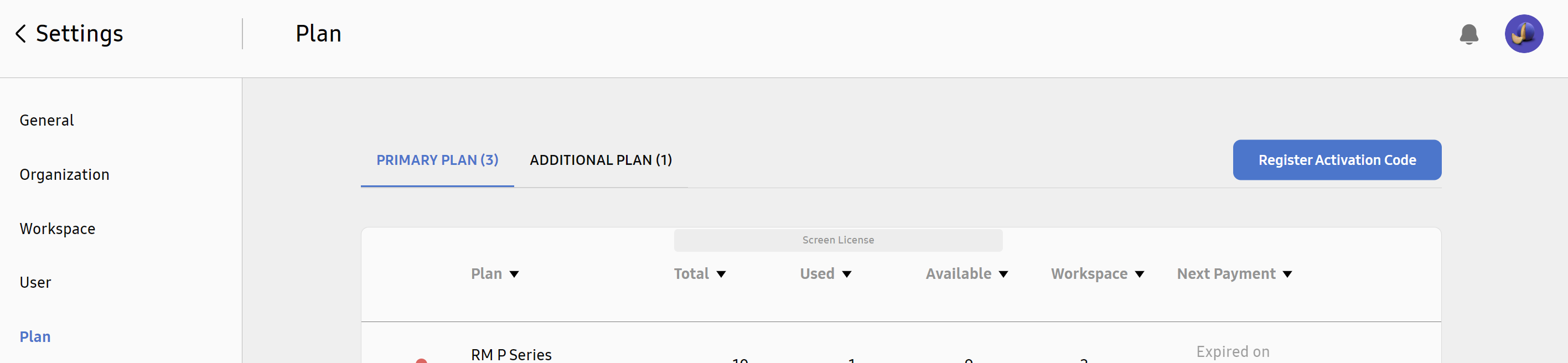
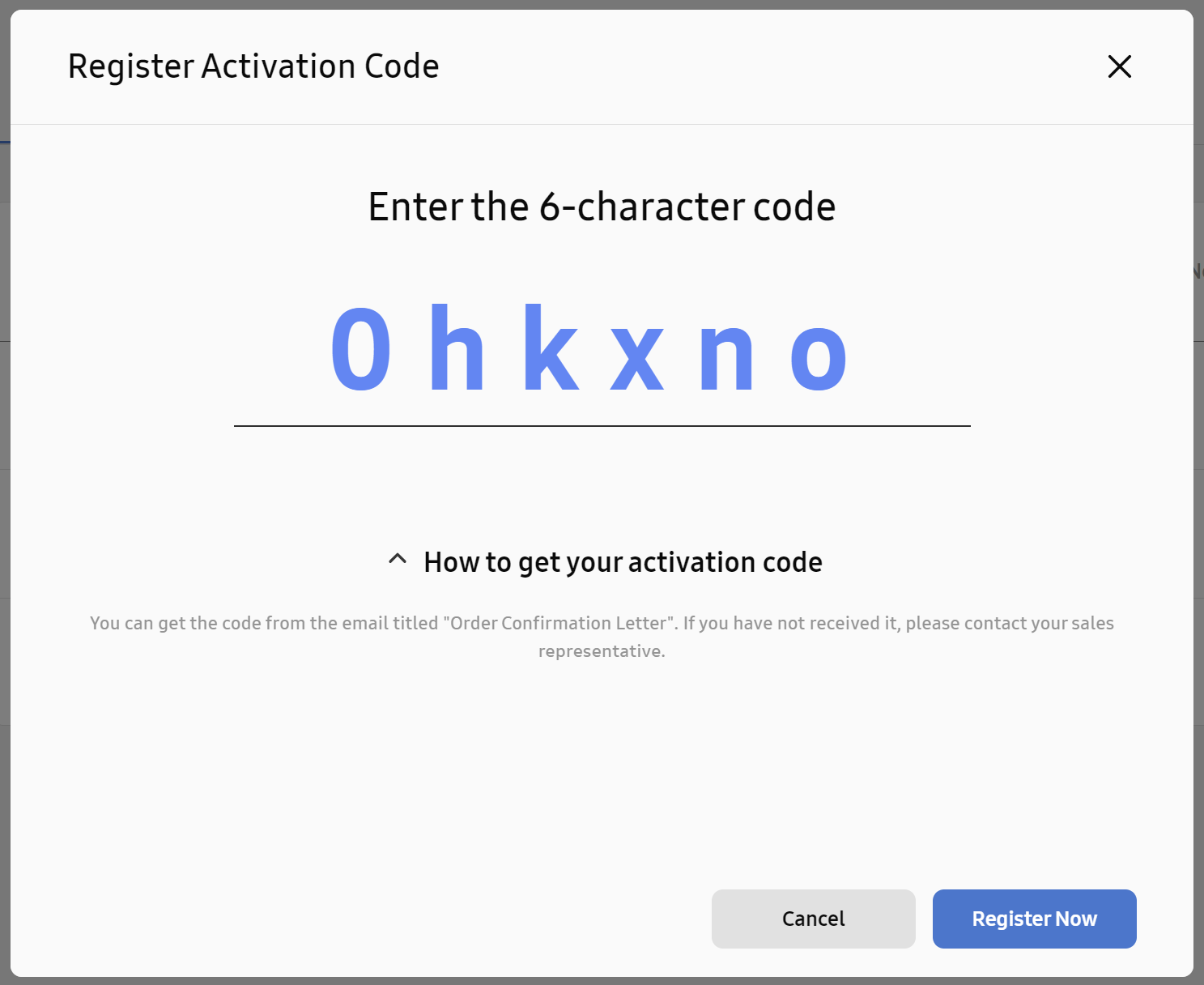
Then klick on Register Activation Code Add the code you received in a mail from VXT, and klick on Register Now:
Plan Details
As the new Plan is added, VXT shows the Plan Details page:
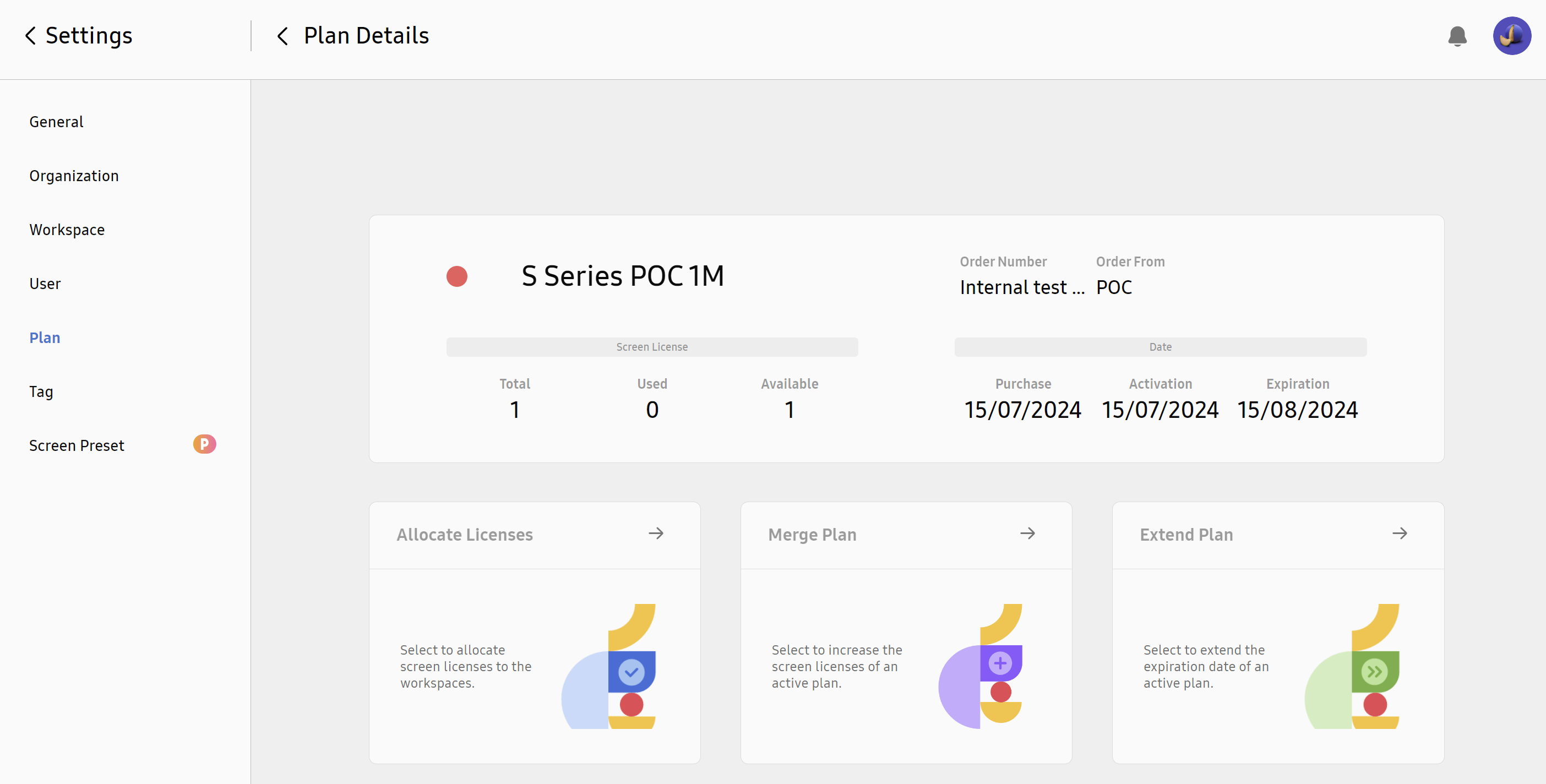
The Organization Owner/Admin can then decide what to do with the added Plan:
He can either assign the new added license tokens to a new Workspace, merge with existing plan, or extend an existing plan.
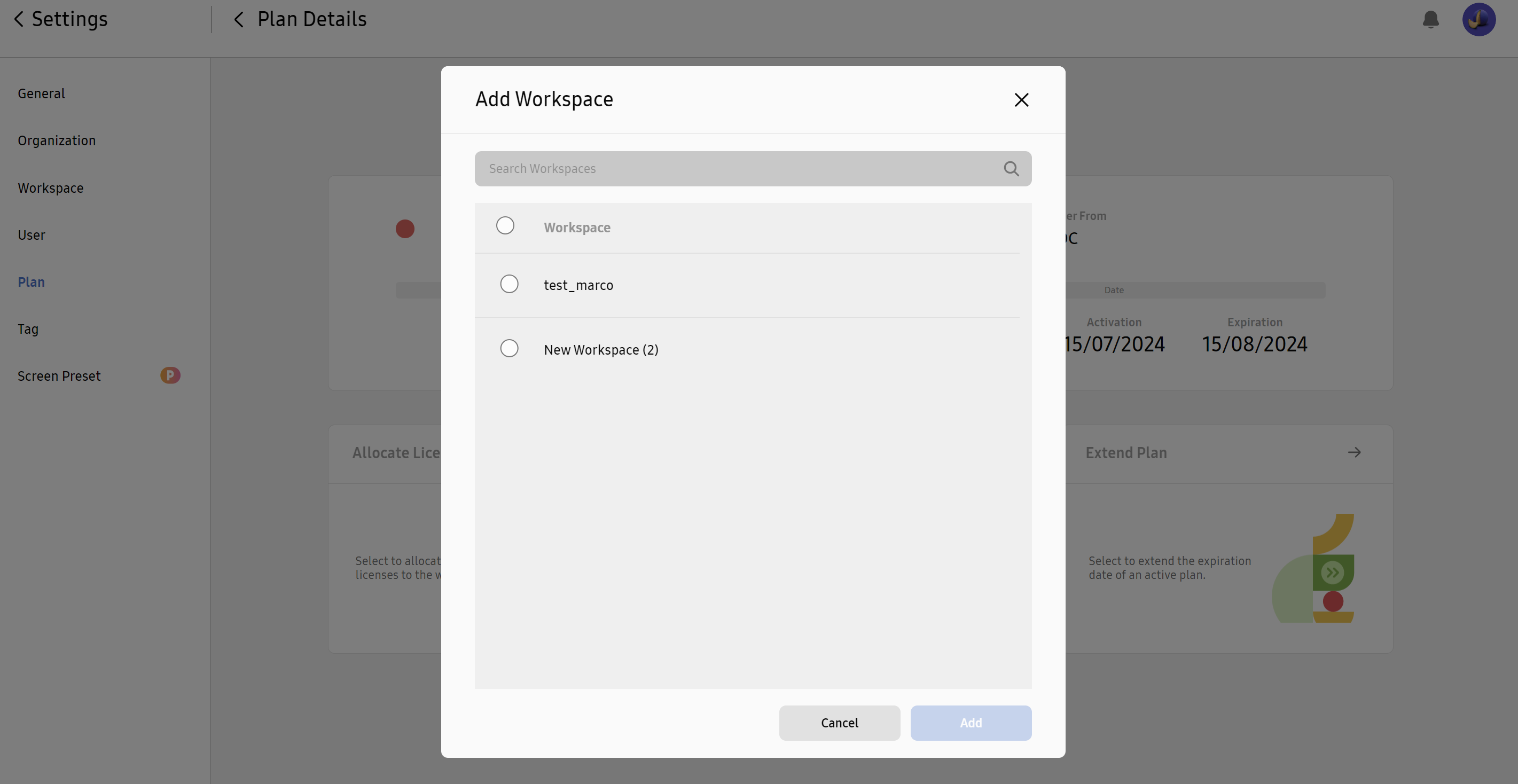
Allocate Plan
Allocate Plan means to assign the added license tokens to a workspace. The workspace cannot have any plan assigned to it at the moment of the allocation.
Only workspaces with no plan assigned are shown.
Merge Plan
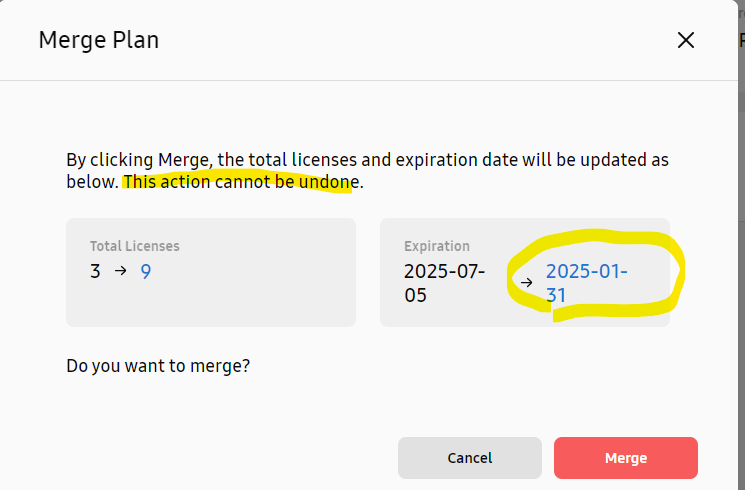
merging a plan means that the quantity of devices related to that plan, can be increased.
Adding a new quantity to an existing plan, adds device tokens.
The Expiration date is modified pro-rata on the whole quantity of devices (not only the new ones).
Calculator
Calculate new expiration date for merged VXT Plan
Extend Plan
If one of the Plans is running out shortly, the system will inform by email and in app notifications:
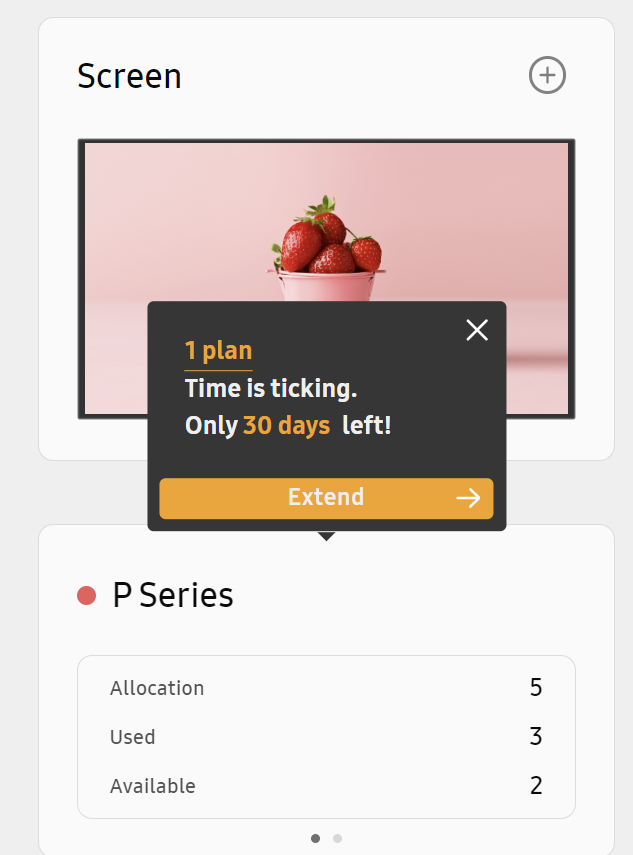
check for Settings - Plan to find out which plan is running out;
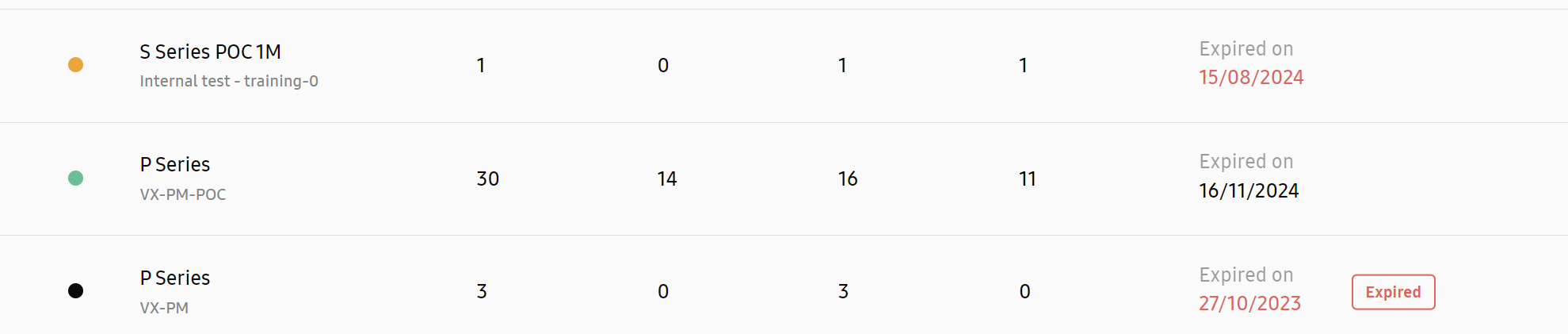
Then add a new Code (Same License type) to the VXT Organization. In the new Plan Details Page, click in Extend Plan, then select the Plan you are extending (only same license type is displayed) and click Select:
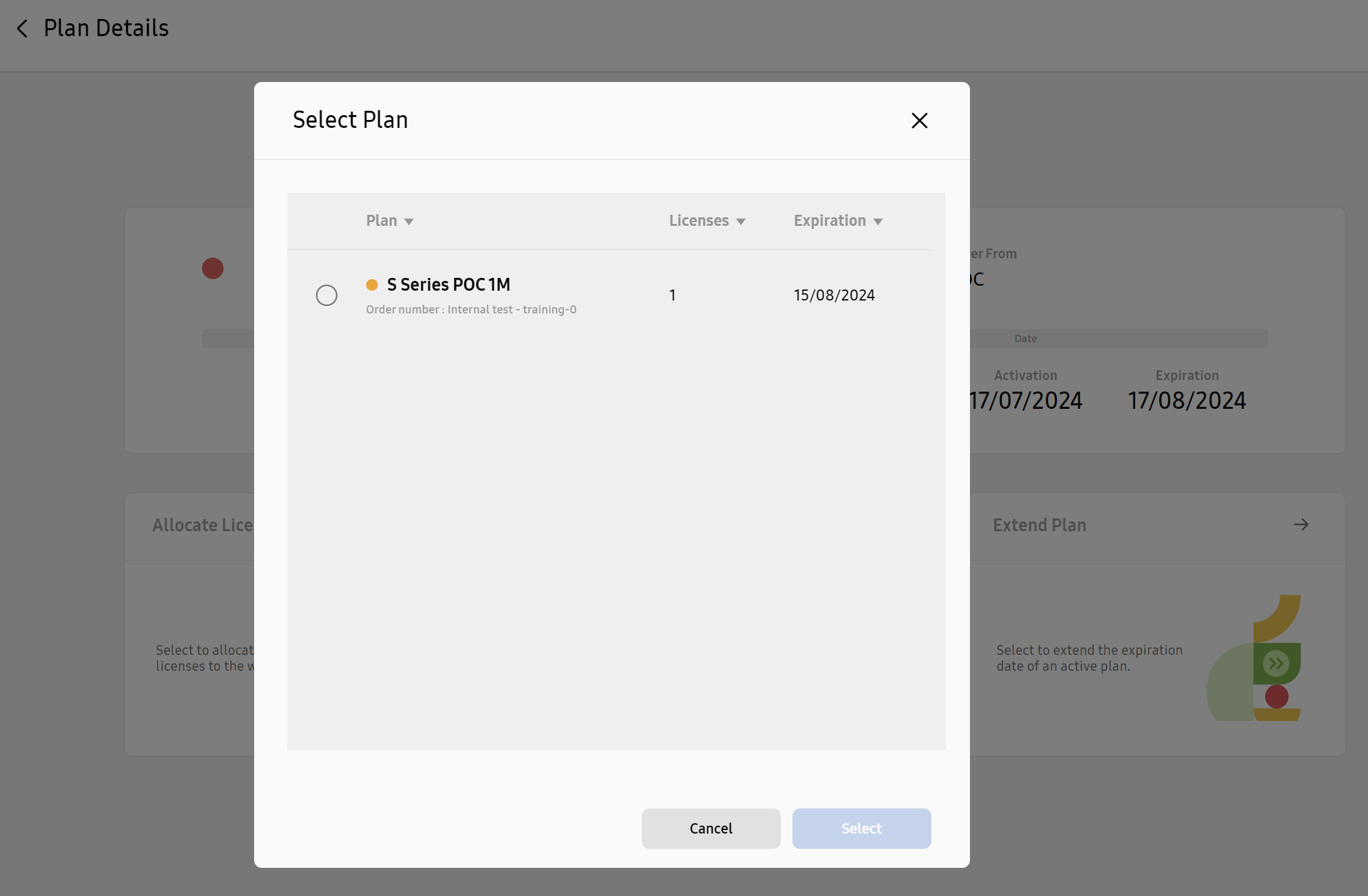
The original Plan is now Extended by the added Plan (pro Rata). You can verify in the Plan Page, where the two Plans are now Linked:
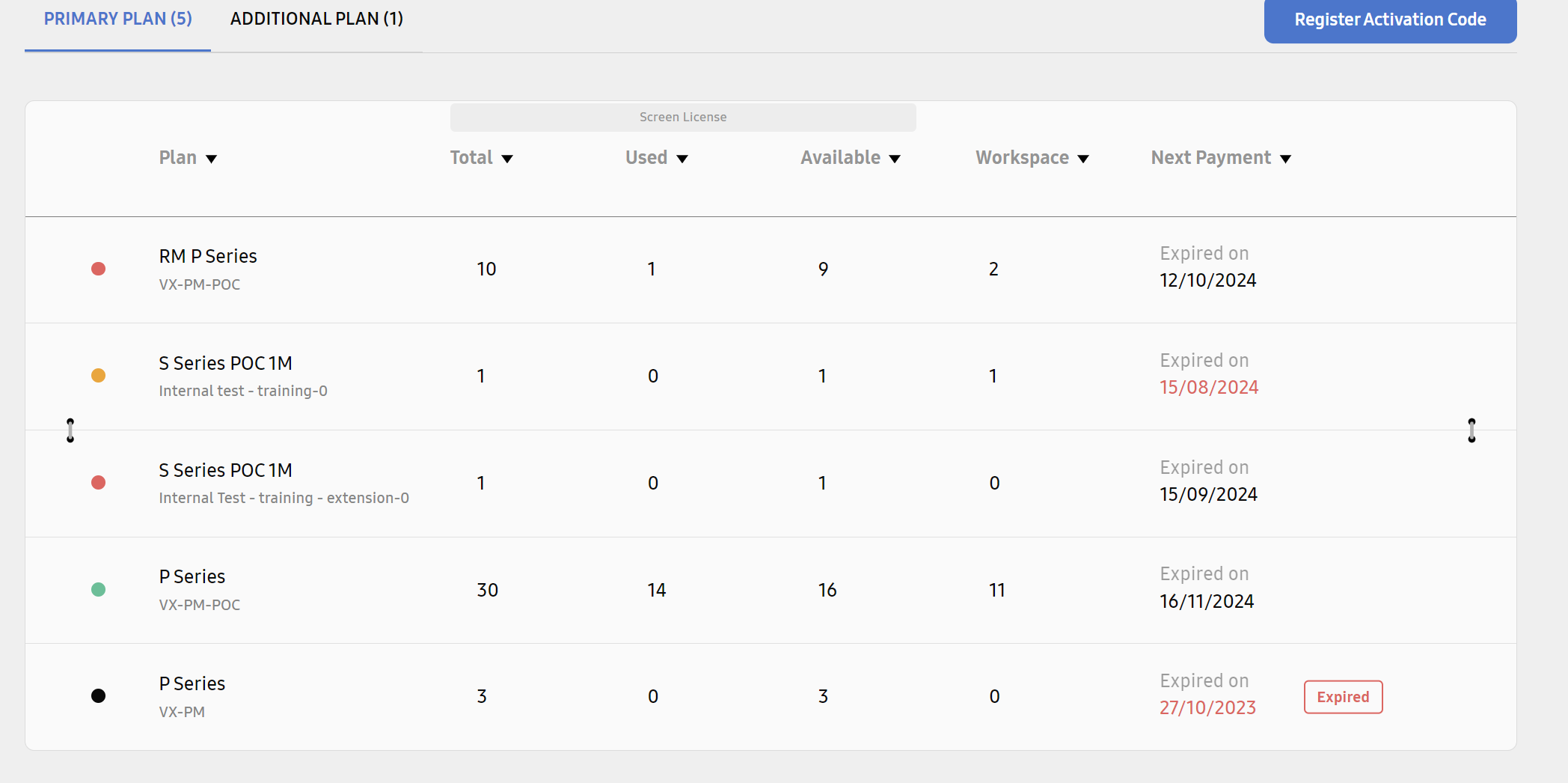
Clicking on one of the plans, opens the Plan Details Page, with the info about both plans:
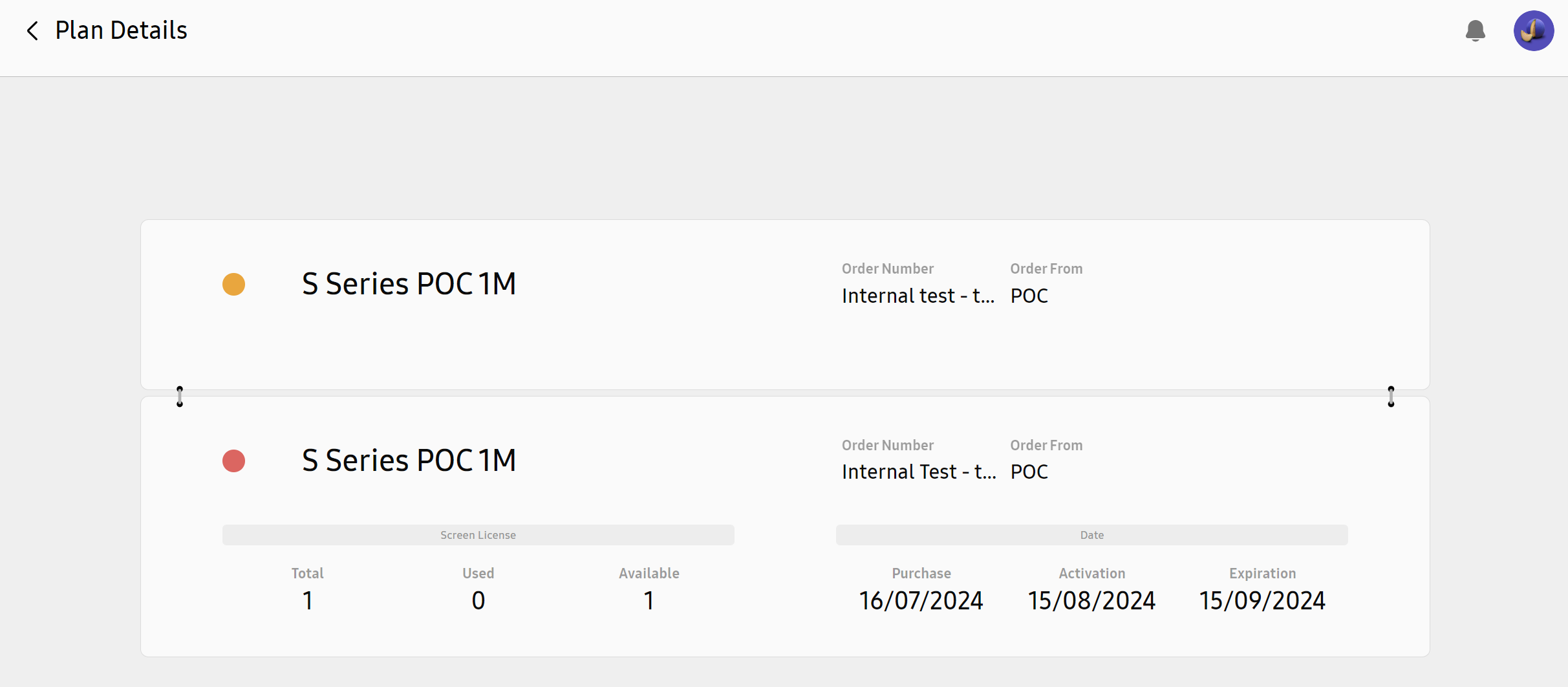
An extension code can be different than the to be extended Plan in quantity: The Plan is extended by the new period, but the quantity of devices served is then limited to the new one: (In this example I extended a 30 device plan with a new code with only 20 devices)