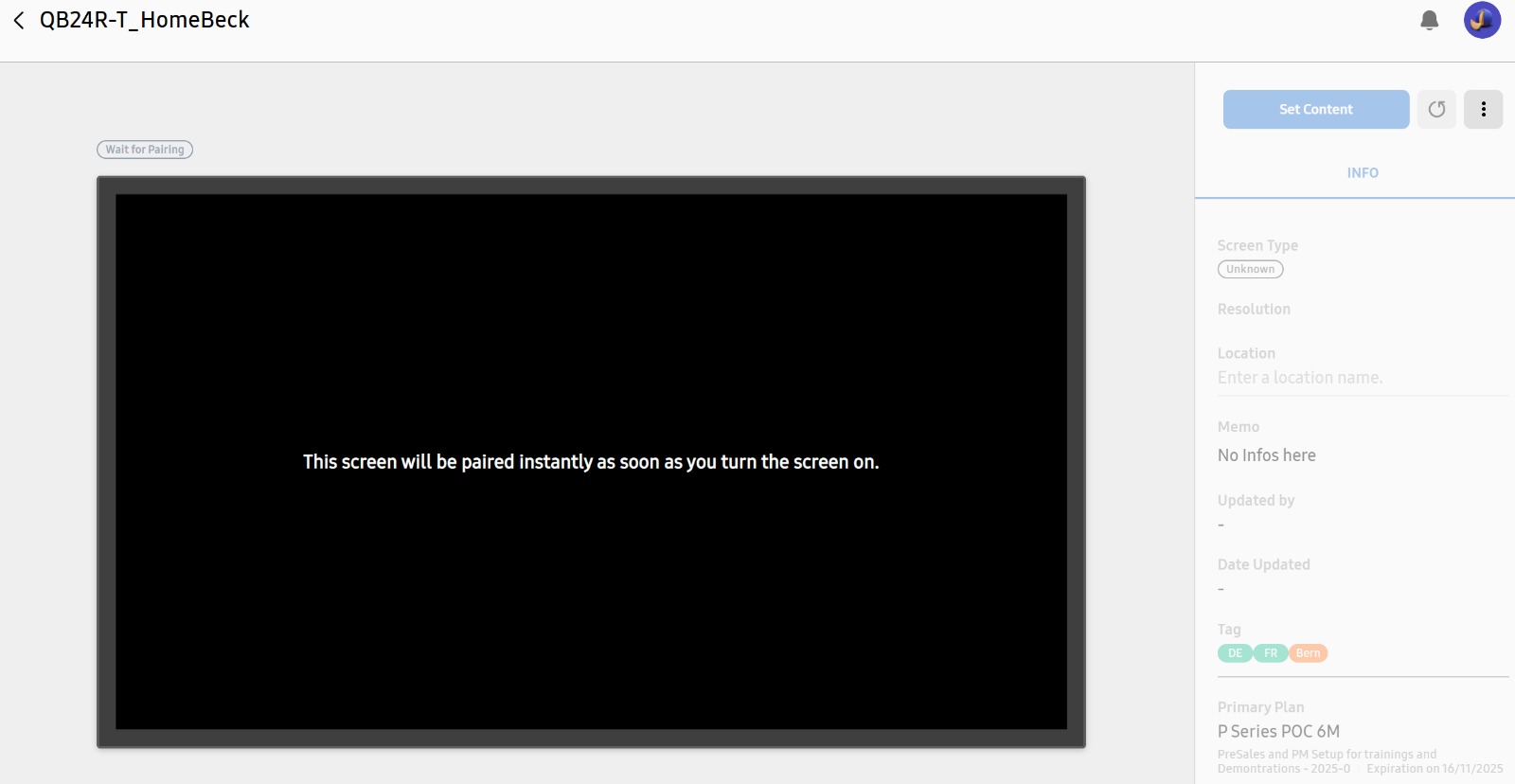
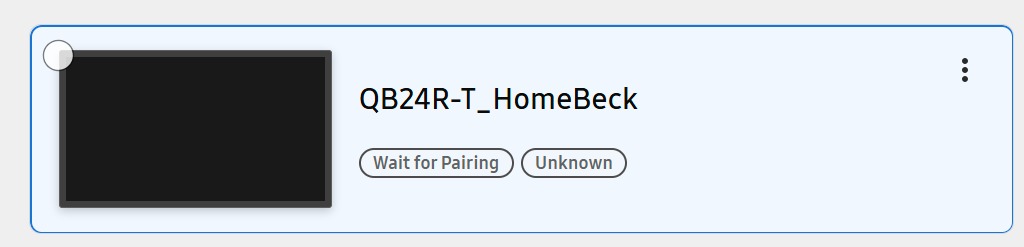
Adding multiple Devices to VXT by CSV file
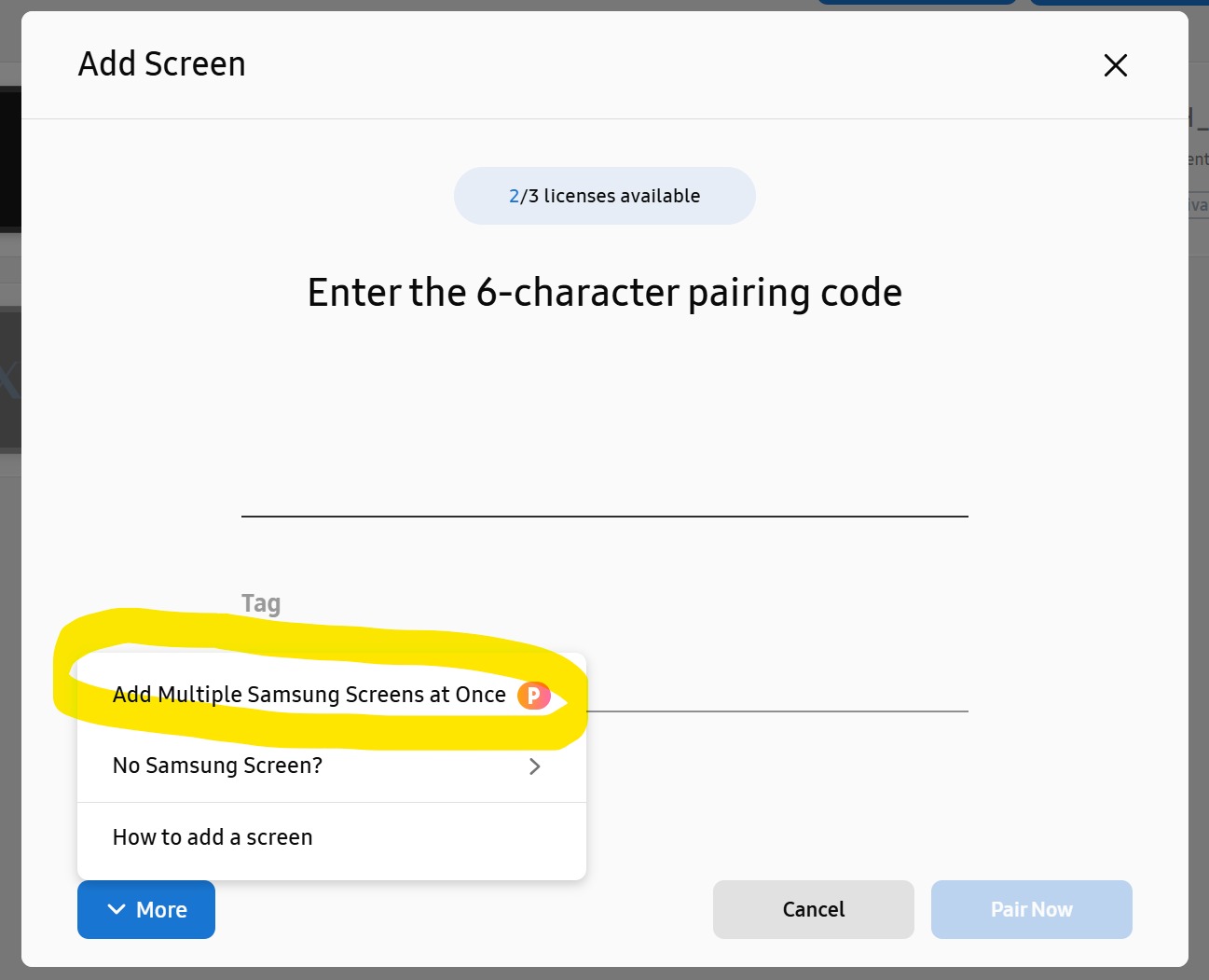
To add multiple devices at once, go to Devices, then Add Devices
Then click on More
Then Click on Add Multiple Samsung Screens at Once
Please add the prefilled CSV file here:
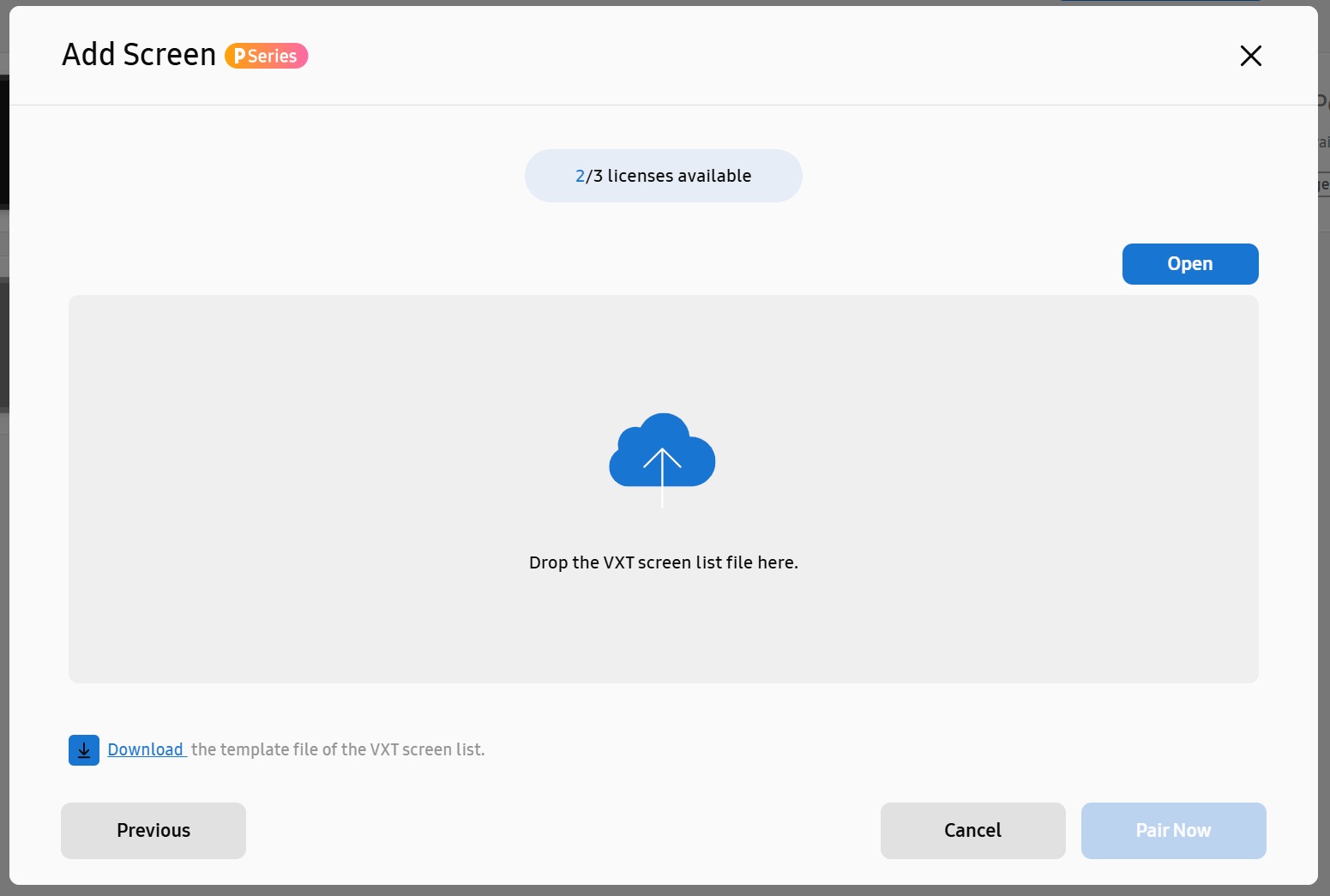
You can download a sample clicking on Download
The File has to be created like this:
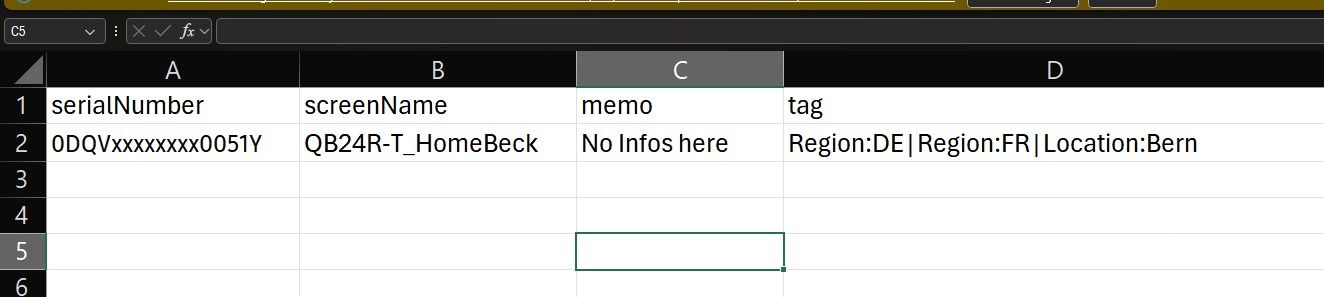
where the serialNumber is the SN of the Device,
screenName is an identifier for the Device,
memo is a free text field, and
tag defines the tag(s) to be added to the Device.
Tags are a combination of Category and TagName linked together by a : ( Eg. Region:DE )
You can add more tags per Device, by just separate them with a | (Eg. Region:DE|Region:EU )
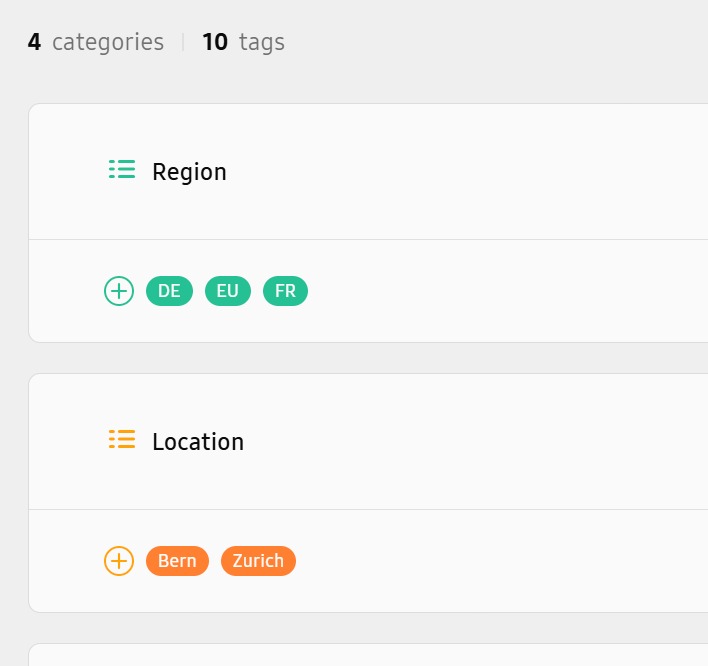
Make sure you already created the Tags in the Workspace Settings page
Once the file is uploaded, the device is added and awaits the first connection.